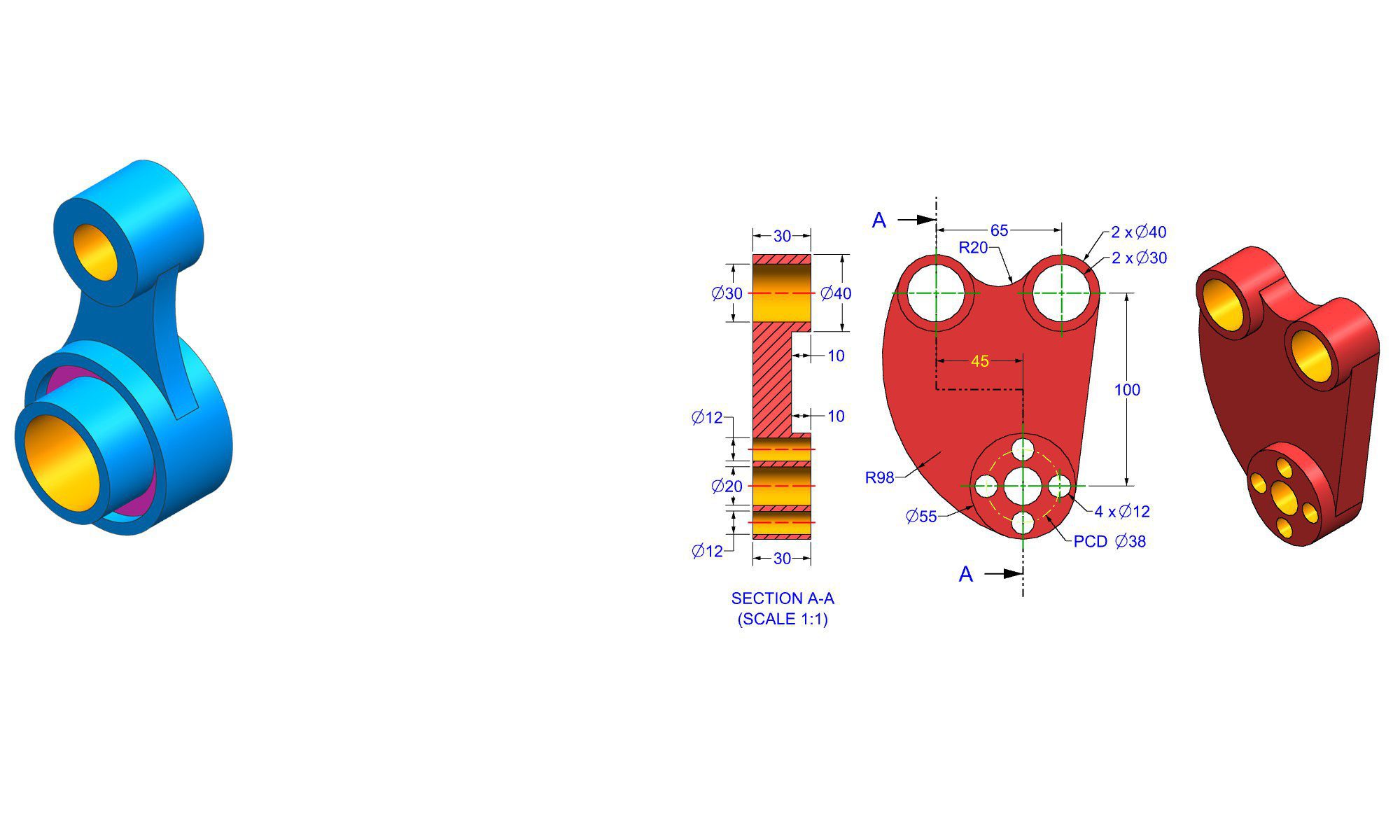

Introduction
Choosing the right workbench in FreeCAD is an essential step for beginners venturing into 3D modeling, CAD design, and engineering projects. The correct workbench can significantly improve your workflow, reduce frustration, and help you learn the software more efficiently. As a beginner, understanding which workbench to select and how to use it effectively ensures a smoother learning curve and lays a solid foundation for more advanced design tasks. This article will guide you through the importance of choosing the right workbench, how to do it, and practical tips for maximizing your success in FreeCAD.
Why Choosing the Right Workbench Matters for Beginners
In FreeCAD, a workbench acts like a specialized toolkit designed for specific tasks such as sketching, parts assembly, or simulations. With a plethora of workbenches available—from Part Design to Arch, and Path—beginners often feel overwhelmed trying to figure out which one to start with. Selecting the appropriate workbench is crucial because:
- It streamlines your workflow by providing targeted tools.
- It minimizes confusion and promotes quicker learning.
- It helps you focus on core concepts before branching into complex features.
- It improves efficiency and allows you to produce better quality models faster.
Next, let’s explore how to identify the most suitable workbench for your beginner needs.
How to Choose the Right Workbench in FreeCAD
1. Understand Your Project Goals
Start by defining what you want to achieve:
- Do you want to create simple 3D models or detailed mechanical parts?
- Are you interested in architecture or civil engineering projects?
- Is your goal to prepare models for 3D printing?
Your project goals will influence which workbench is your best starting point.
2. Familiarize Yourself with Available Workbenches
FreeCAD offers multiple workbenches, each designed for specific workflows:
| Workbench | Purpose | Ideal for |
|---|---|---|
| Part | Basic solid modeling | Beginners creating simple parts |
| Part Design | Parametric modeling of individual parts | Mechanical components |
| Mesh | Importing, editing, and repairing meshes | 3D scans and mesh handling |
| Draft | 2D drafting and simple geometry | Technical drawings |
| Arch | Architectural design | Building models |
| Assembly3 (Add-on) | Assembly modeling | Complex assemblies (requires add-on) |
Note: As a beginner, sticking to core workbenches such as Part and Part Design makes sense.
3. Start with the Basics: Part and Part Design Workbenches
For most beginners, Part and Part Design are the best starting points because:
- They cover fundamental CAD concepts.
- They are well-documented with tutorials.
- They introduce you to parameter-based modeling.
4. Use Tutorials and Community Resources
Leverage online tutorials specific to the workbench you choose. FreeCAD’s community forums, YouTube channels, and official documentation are rich sources of guidance.
5. Experiment and Practice
The best way to learn is by doing:
- Create simple objects like boxes, cylinders, or models.
- Try modifying parameters to see how models change.
- Practice transitioning between workbenches as needed to understand their workflow.
Practical Steps for Beginners to Use the Right Workbench Effectively
1. Switching Between Workbenches
- Open FreeCAD.
- In the top menu, select the drop-down menu for workbenches.
- Choose your desired workbench, such as “Part” or “Part Design.”
- Save frequently to prevent data loss.
2. Starting a New Model
- For Part Design:
- Click “Create a new body.”
- Use “Sketch” to draw 2D shapes.
- Use features like “Pad” or “Pocket” to extrude or cut shapes.
- For Part:
- Use primitives like box, cylinder, or sphere.
- Combine objects using Boolean operations.
3. Building Your First Model
- Start simple:
- Create a basic box with specified dimensions.
- Add holes or cuts.
- Modify parameters to understand their impact.
- Validate your understanding by experimenting with different tools within the chosen workbench.
4. Recognize and Avoid Common Mistakes
- Not fully understanding the difference between parametric and non-parametric modeling.
- Overcomplicating early models; keep initial designs simple.
- Ignoring constraints in sketches, leading to misaligned parts.
- Forgetting to save models regularly.
5. Improving with Pro Tips
- Use keyboard shortcuts for faster navigation.
- Keep your models organized with groups.
- Document your workflow step-by-step.
- Participate in community challenges or forums for feedback.
Comparing Workbenches for Beginners
| Workbench | Ease of Use | Learning Curve | Suitable for Beginners | Recommended for |
|---|---|---|---|---|
| Part | Easy | Low | Yes | Basic object creation |
| Part Design | Moderate | Moderate | Yes | Mechanical parts with constraints |
| Draft | Easy | Low | Yes | Creating 2D drawings or sketches |
| Mesh | Slightly advanced | Moderate | No | Handling imported meshes |
| Arch | Moderate | Moderate | Yes, with architectural focus | Building models and structures |
Most beginners find Part and Part Design the most approachable entry points. As they grow more comfortable, expanding into other workbenches becomes easier.
Best Practices for Beginners Choosing the Right Workbench
- Start with one workbench at a time to master its tools.
- Follow tutorials tailored to your chosen workbench.
- Avoid jumping between workbenches for the same project until you’re confident.
- Regularly explore new workbenches to understand their scope.
- Keep your workbenches organized via customized workspace setups.
Additional Tips for a Smooth Learning Curve
- Use keyboard shortcuts to speed up modeling.
- Save early and often to prevent data loss.
- Back up your projects regularly.
- Take notes on commands and workflows.
- Engage with online communities for support.
Conclusion
For beginners diving into FreeCAD, choosing the right workbench is a pivotal step toward mastering 3D modeling and CAD design. The key lies in aligning your project goals with the appropriate tools, starting with intuitive workbenches like Part and Part Design, and progressing as you gain confidence. A thoughtful approach to selecting and practicing within the right workbench not only enhances your efficiency but also builds a solid foundation for more complex projects. Remember, patience and practice are your best allies on this journey to becoming proficient in FreeCAD.
FAQ
1. How do I switch workbenches in FreeCAD?
Ans : Click on the workbench drop-down menu at the top of the interface and select the desired workbench from the list.
2. Which workbench is best for creating simple 3D models?
Ans : The Part workbench is ideal for beginners creating basic 3D shapes like blocks, cylinders, and simple assemblies.
3. Can I switch workbenches midway through a project?
Ans : Yes, you can switch workbenches at any point, but it’s better to complete a specific task within one workbench before moving to another.
4. Are some workbenches more beginner-friendly than others?
Ans : Yes, workbenches like Part and Draft are generally more beginner-friendly due to their simplicity and extensive tutorials.
5. How can I learn which workbench to choose for my project?
Ans : Define your project goals and consult online tutorials and community forums to identify the most suitable workbench.
6. Is it necessary to learn every workbench in FreeCAD?
Ans : No, start with the essential ones like Part and Part Design, and expand as your skills and project complexity grow.
7. How can I improve my workflow in FreeCAD as a beginner?
Ans : Practice regularly, use shortcuts, follow tutorials, and participate in community forums to learn new tips and tricks.
End of Blog

FREECAD All-in-One Workbook
500+ Practice Exercises to Master FreeCAD through real-world practice!
This all-in-one workbook is your ultimate resource to develop hands-on CAD skills with FreeCAD. Whether you’re a student, engineer, hobbyist, or professional, this guide is built to help you gain real design confidence through structured practice.
What’s Inside this Book:
- 200 2D Sketching Exercises – Build a strong foundation in dimension-driven 2D geometry and technical drawings
- 200 3D Modeling Exercises – Practice modeling real-world parts, from simple shapes to complex components.
- Multi-Part Assembly Projects – Understand how parts fit together and create full assemblies with detailed drawings
🎯 Why This Book?
- 500+ practice exercises following real design standards
- Designed for self-paced learning & independent practice
- Perfect for classrooms, technical interview preparation, and personal projects
- Covers 2D Sketching, 3D Modeling & Assembly Design in one workbook
- Trusted by 15,000+ CAD learners worldwide