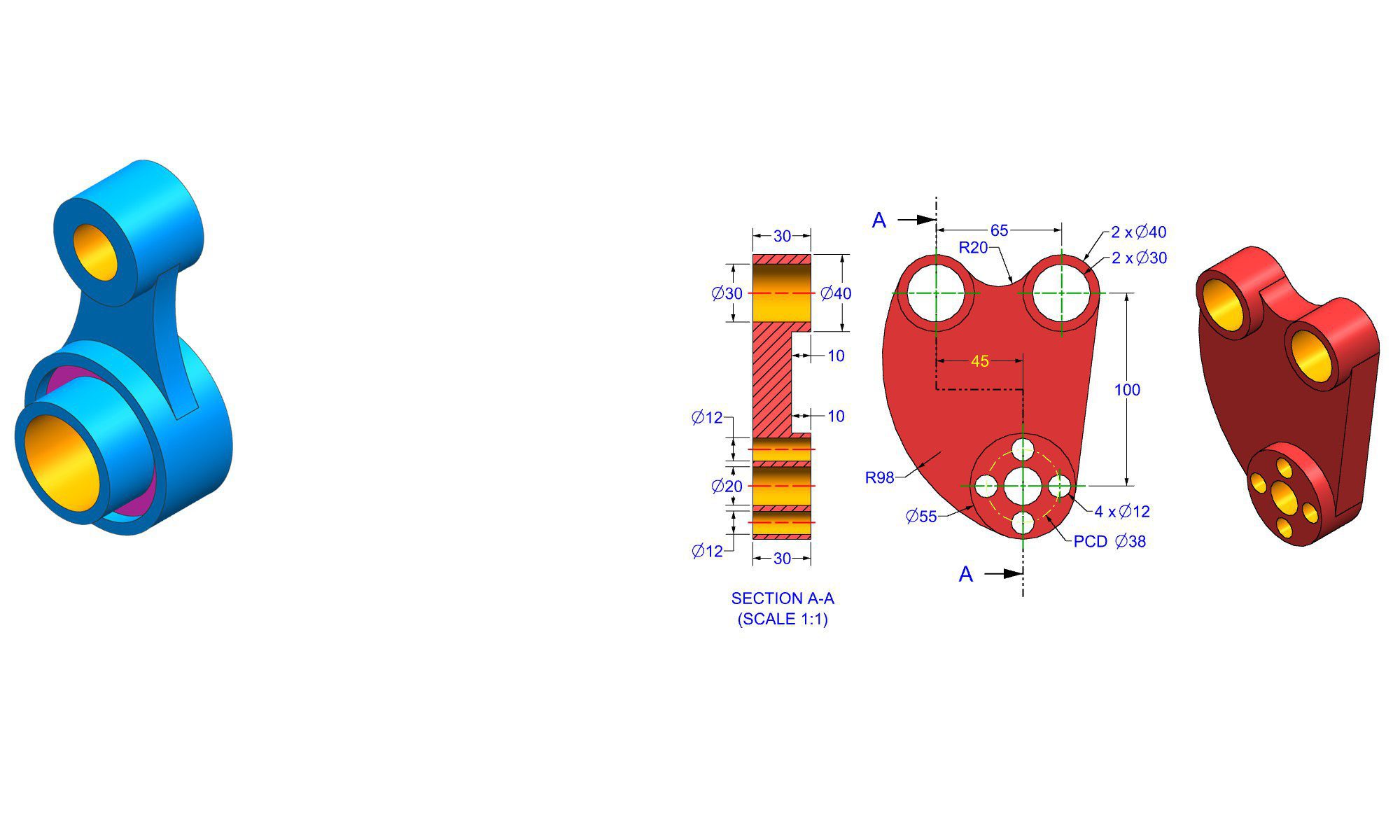

Why FreeCAD is free and open source

Introduction

FreeCAD is a popular open-source 3D CAD software widely used by hobbyists, students, and professionals alike. But why exactly is FreeCAD free and open source? Understanding the foundations behind FreeCAD’s cost model and open development approach reveals valuable insights into its philosophy, benefits, and how it compares with proprietary CAD software. In this in-depth guide, we’ll explore the reasons behind FreeCAD’s free licensing, the principles of open source software, and what makes FreeCAD a compelling choice for 3D modeling enthusiasts.

The Principles of Open Source Software

Before diving into FreeCAD specifically, it’s essential to understand the core principles of open source (OS) software. Open source refers to software whose source code is freely available, modifiable, and redistributable by anyone. This philosophy emphasizes collaboration, transparency, and community-driven development.

Key principles of open source software include:

  • Free redistribution
  • Access to source code
  • Derived works allowed
  • No discrimination against persons or groups
  • No discrimination against fields of endeavor

For FreeCAD, adhering to these principles ensures that it remains a community-driven project focused on openness, flexibility, and accessibility.

Why Is FreeCAD Free?

1. Open Source Licensing Model

FreeCAD is licensed primarily under the GNU Lesser General Public License (LGPL). This license ensures the software is free to use, modify, and distribute. The LGPL protects user freedoms and encourages community participation.

  • Unlike proprietary software, which is sold with licensing restrictions, LGPL-based projects like FreeCAD allow anyone to view and improve the code.
  • The open licensing model naturally aligns with the free software movement principles, making it possible for the project to remain free indefinitely.

2. Community-Driven Development

Open source software like FreeCAD relies on volunteers, contributors, and organizations passionate about CAD technology. This collaborative effort reduces development costs significantly.

  • Community members contribute code, bug fixes, documentation, and support.
  • Donations and sponsorships also support ongoing development.
  • As a result, the project minimizes reliance on commercial funding, sustaining free access for all.

3. Sustainability and Longevity

Open source projects thrive through community engagement. Moving to a free model ensures:

  • Long-term availability, as no licensing fees or proprietary restrictions threaten project continuity.
  • Flexibility for various use cases, from education to engineering, without financial barriers.

4. Promoting Innovation and Education

Making FreeCAD free and open source democratizes CAD technology—anyone can learn, modify, and adapt the software.

  • It fosters innovation by allowing developers to customize and extend functionalities.
  • Educational institutions use FreeCAD as a teaching tool without licensing costs.

5. No Commercial Monopoly or Vendor Lock-in

By remaining free, FreeCAD avoids vendor lock-in and monopolistic practices that are common with proprietary CAD solutions. This neutrality benefits a broader user base.

How FreeCAD Is Developed and Maintained

Understanding the development process underscores why FreeCAD remains free.

1. Open Development Workflow

  • The source code is hosted on platforms like GitHub.
  • Everyone can report issues, suggest features, or contribute code via pull requests.
  • Regular updates are released based on community contributions and internal development.

2. Funding and Support

While FreeCAD is free, some development is funded through:

  • Donations via platforms such as Patreon, PayPal, or crowdfunding.
  • Sponsorships from companies benefiting from FreeCAD.
  • Grants from government or educational institutions.

This model sustains ongoing development without commercial sales.

3. Collaboration with Other Projects

FreeCAD integrates with other open-source tools such as Python, Open CASCADE, and Coin3D, broadening its capabilities and reducing development costs.

Practical Benefits of FreeCAD Being Free and Open Source

Choosing FreeCAD as your CAD tool offers practical advantages:

  • No licensing costs, making it accessible for students and startups.
  • Ability to customize and extend the software to suit specific workflows.
  • Transparency in the codebase to ensure security and reliability.
  • Active community support and extensive online resources.
  • Compatible with educational projects or research initiatives without legal restrictions.

How to Get Started with FreeCAD

  1. Download the latest version from the official website.
  2. Explore tutorials and documentation available online.
  3. Join community forums for support and collaboration.
  4. Experiment with custom scripts or develop new features.
  5. Contribute to the project by reporting bugs or coding improvements.

FreeCAD Compared to Proprietary CAD Software

Feature FreeCAD Proprietary CAD Software
Cost Free Paid (License Fees)
Source Code Open source Closed source
Customizability Highly customizable Limited, vendor-specific
Community Support Community-driven, open forums Vendor support, paid support
Flexibility Extensive, modifiable Restricted, rigid
Updates and Enhancements Rapid, community-driven updates Scheduled, vendor-controlled updates

Conclusion

FreeCAD is free primarily because it operates under the open source license, which guarantees users free access, modification rights, and community engagement. Its open source nature encourages transparency, collaboration, and innovation — key ingredients in its ongoing development and sustainability. For users looking for a cost-effective, versatile, and customizable CAD solution, FreeCAD offers all these benefits without the financial barriers introduced by proprietary alternatives.

Choosing FreeCAD not only supports a community-driven project but also aligns with the principles of open source software, making it a compelling option for hobbyists, students, and professionals seeking high-quality CAD tools without license costs.

FAQ

1. Why is FreeCAD considered open source?

Ans : Because its source code is publicly available under licenses like LGPL, allowing anyone to view, modify, and distribute it freely.

2. Can I modify FreeCAD’s source code?

Ans : Yes, the open-source license permits you to modify and customize the source code for personal or commercial use.

3. Why is FreeCAD free compared to other CAD programs?

Ans : FreeCAD is free because it is open source, relying on community contributions and donations for development rather than licensing fees.

4. Does using FreeCAD cost anything?

Ans : No, FreeCAD is completely free to download, use, and modify.

5. How is FreeCAD funded if it’s free?

Ans : It’s primarily supported through community donations, sponsorships, grants, and volunteer contributions.

6. Is FreeCAD secure even though it’s open source?

Ans : Yes, transparency allows users to review the code for security issues, promoting trust and reliability.

7. Can educational institutions and startups use FreeCAD freely?

Ans : Absolutely, its free and open nature makes it ideal for educational projects, research, and startups.


End of Blog


CAD Exercises Workbook Cover

After purchasing, a download link will be sent instantly to your email.

Buy Now For $27.99

Are you a student or Unemployed? Get this bundle for $19.99

Offer for Students Buy Now For $19.99

Buy Paperback on Amazon.com

FREECAD All-in-One Workbook

500+ Practice Exercises to Master FreeCAD through real-world practice!

This all-in-one workbook is your ultimate resource to develop hands-on CAD skills with FreeCAD. Whether you’re a student, engineer, hobbyist, or professional, this guide is built to help you gain real design confidence through structured practice.

What’s Inside this Book:

  • 200 2D Sketching Exercises – Build a strong foundation in dimension-driven 2D geometry and technical drawings
  • 200 3D Modeling Exercises – Practice modeling real-world parts, from simple shapes to complex components.
  • Multi-Part Assembly Projects – Understand how parts fit together and create full assemblies with detailed drawings

🎯 Why This Book?

  • 500+ practice exercises following real design standards
  • Designed for self-paced learning & independent practice
  • Perfect for classrooms, technical interview preparation, and personal projects
  • Covers 2D Sketching, 3D Modeling & Assembly Design in one workbook
  • Trusted by 15,000+ CAD learners worldwide

After purchasing, a download link will be sent instantly to your email.

Buy Now For $27.99

Are you a student or Unemployed? Get this bundle for $19.99

Offer for Students Buy Now For $19.99

Buy Paperback on Amazon.com

How to choose the right Solid Edge version for beginners

How to choose the right Solid Edge version for beginners

Introduction

Choosing the right Solid Edge version for beginners is a crucial step toward mastering product design and CAD modeling. With various options available—ranging from free viewers, trial versions, to full professional packages—it can be overwhelming to determine which version best fits your current skill level, goals, and budget. In this guide, we will walk you through how to select the most suitable Solid Edge edition for beginners, ensuring a smooth learning curve and maximizing your investment in this powerful CAD software. Whether you’re a student, hobbyist, or professional new to CAD, this comprehensive approach will help you make an informed decision.

Understanding the Different Solid Edge Versions

Before diving into the selection process, it’s important to understand the primary editions available for Solid Edge. Each version caters to different user needs and offers various features.

1. Solid Edge Free Student and Hobbyist Version

  • Designed for students, educators, and hobbyists.
  • Offers core features with some limitations.
  • Free to use, but often requires registration and valid academic identification.
  • Ideal for learning, practice, and small projects.

2. Solid Edge Student Edition

  • A full-featured version available under academic licensing.
  • Free for educational use with restrictions on commercial applications.
  • Suitable for university and college students learning CAD.

3. Solid Edge Standard (or Basic)

  • Entry-level professional version.
  • Offers essential CAD tools for designing, drafting, and modeling.
  • Ideal for small businesses or beginners transitioning into professional CAD work.

4. Solid Edge Premium

  • Complete suite with advanced simulation, rendering, and product data management features.
  • Suitable for experienced beginners aiming for more complex projects.
  • Usually targeted at professionals but accessible to beginners willing to learn advanced features.

5. Trial Versions

  • Fully functional Solid Edge versions available for a limited period (usually 30–45 days).
  • Useful for testing features before committing to a purchase.
  • Excellent way to evaluate whether the software meets your needs.

How to Choose the Right Solid Edge Version for Beginners

Selecting the best Solid Edge version for your skill level and goals involves assessing several factors.

1. Define Your Goals and Intended Use

  • Are you learning CAD for educational purposes?
  • Do you want to develop small mechanical parts or complex assemblies?
  • Are you interested in simulation or rendering?
  • Your objectives will determine the version you need.

2. Assess Your Budget

  • Free versions (student, hobbyist) are suitable for tight budgets.
  • Consider the cost of upgrade options if your needs grow.
  • Remember that trial versions are free but limited in time.

3. Determine Your Skill Level

  • Absolute beginners should start with free or basic versions to learn core functionalities.
  • More advanced users might explore Premium versions to access comprehensive tools.
  • Focus on ease of use and learning curve—simple interfaces reduce initial frustration.

4. Consider Compatibility and System Requirements

  • Ensure your computer hardware meets the minimum specifications for the chosen version.
  • Some versions have specific OS or hardware prerequisites.

5. Explore Educational or Free Licensing Options

  • Many educational institutions provide free or discounted Solid Edge licenses.
  • Check eligibility for free student or academic licenses via Siemens or authorized resellers.

6. Utilize Trial Versions for Evaluation

  • Test out the features and workflows of different editions.
  • Assess usability, feature set, and compatibility with your projects.
  • Decide after the trial whether an upgrade is necessary.

Practical Steps to Select the Right Solid Edge Version

Following a structured approach ensures an informed decision.

1. Research Your Options

  • Visit the official Siemens Solid Edge website.
  • Review feature comparisons for each version.
  • Read user reviews and community forums for insights.

2. Identify Your Priorities

  • List features you need now (e.g., 3D modeling, assembly, 2D drafting).
  • Note features that can be deferred until later (e.g., advanced simulation).

3. Download and Test Trial Versions

  • Register for a trial of the Standard or Premium version.
  • Use the trial period to complete sample projects.
  • Assess ease of use, feature accessibility, and compatibility.

4. Seek Feedback and Advice

  • Connect with CAD communities.
  • Seek advice from educators or experienced users.
  • Use their insights to refine your choice.

5. Make Your Purchase Decision

  • Based on your trial experience and research.
  • Opt for a version that fits your current needs and future growth.
  • Consider ongoing support and training resources.

Common Mistakes Beginners Make When Choosing a Solid Edge Version

Avoid these pitfalls to streamline your decision process:

  • Choosing a version based solely on price without assessing feature needs.
  • Overlooking system requirements, leading to software crashes or poor performance.
  • Ignoring educational or free options, which can save money initially.
  • Waiting too long to try trial versions before making a purchase.
  • Not considering future needs; selecting a version too limited or too advanced.

Tips and Best Practices for Beginners

  • Start with the free student or hobbyist version if eligible.
  • Use tutorials and community resources to get familiar with the interface.
  • Gradually explore advanced modules as your skills grow.
  • Keep your software updated to access new features and improvements.
  • Join user forums to troubleshoot and learn best practices.

Comparing Solid Edge Versions Side-by-Side

Feature / Version Free Student/Hobbyist Standard (Basic) Premium
3D Modeling Yes Yes Yes
2D Drafting Yes Yes Yes
Basic Simulation Limited Yes Advanced
Advanced Simulation (FEM, Flow) No No Yes
Rendering and Visualization Basic Basic Advanced
Product Data Management (PDM) Limited No Yes
Cost Free / Academic Paid Paid

This comparison helps beginners identify which version aligns with their current requirements and aspirations.

Conclusion

Choosing the right Solid Edge version for beginners is a vital step in your CAD journey. Focus on your goals, budget, and experience level to make an educated selection. Starting with free or trial versions allows you to test features without financial commitment. Remember, as your skills evolve, you can upgrade to more advanced editions to unlock additional capabilities. By following the outlined steps and tips, you’ll ensure a smooth start into 3D CAD modeling and set a strong foundation for future growth.

FAQ

1. What is the best Solid Edge version for a complete beginner?

Ans : The free Solid Edge student or hobbyist version is ideal for complete beginners to learn core CAD functionalities.

2. Can I upgrade from a free version to a premium version later?

Ans : Yes, you can upgrade to a paid version anytime, often with a seamless license transfer or purchase process.

3. Is the trial version fully functional?

Ans : Yes, trial versions typically offer all features of the respective edition but are limited to a set period.

4. Are educational licenses free?

Ans : Many educational licenses, including student versions, are free or heavily discounted, but they may have restrictions on commercial use.

5. Do I need high-end hardware to run Solid Edge?

Ans : Depending on the version and complexity of your projects, a mid-range PC with a dedicated graphics card is recommended for smooth performance.

6. Can I use Solid Edge on Mac or Linux?

Ans : Solid Edge primarily supports Windows OS; Mac or Linux users may need to use virtualization or Boot Camp to run the software.

7. Is Solid Edge suitable for hobbyists and small startups?

Ans : Yes, especially the free and standard editions, which provide sufficient tools for small-scale projects and learning.


End of Blog


SOLID EDGE Workbook Cover

After purchasing, a download link will be sent instantly to your email.

Buy Now For $27.99

Are you a student or Unemployed? Get this bundle for $19.99

Offer for Students Buy Now For $19.99

Buy Paperback on Amazon.com

SOLID EDGE All-in-One Workbook

500+ Practice Exercises to Master SOLID EDGE through real-world practice!

This all-in-one workbook is your ultimate resource to develop hands-on CAD skills with SOLID EDGE. Whether you’re a student, engineer, hobbyist, or professional, this guide is built to help you gain real design confidence through structured practice.

What’s Inside this Book:

  • 200 2D Sketching Exercises – Build a strong foundation in dimension-driven 2D geometry and technical drawings
  • 200 3D Modeling Exercises – Practice modeling real-world parts, from simple shapes to complex components.
  • Multi-Part Assembly Projects – Understand how parts fit together and create full assemblies with detailed drawings

🎯 Why This Book?

  • 500+ practice exercises following real design standards
  • Designed for self-paced learning & independent practice
  • Perfect for classrooms, technical interview preparation, and personal projects
  • Covers 2D Sketching, 3D Modeling & Assembly Design in one workbook
  • Trusted by 15,000+ CAD learners worldwide

After purchasing, a download link will be sent instantly to your email.

Buy Now For $27.99

Are you a student or Unemployed? Get this bundle for $19.99

Offer for Students Buy Now For $19.99

Buy Paperback on Amazon.com